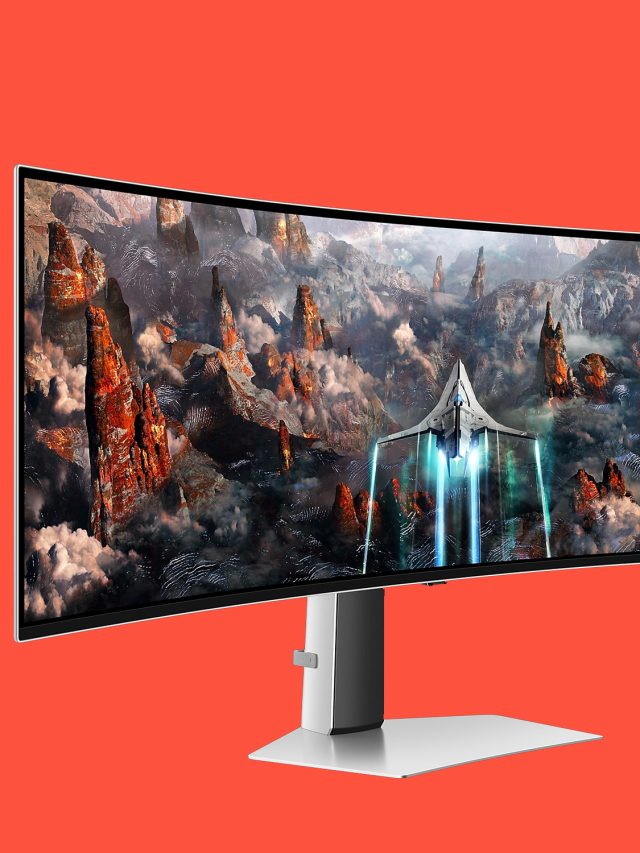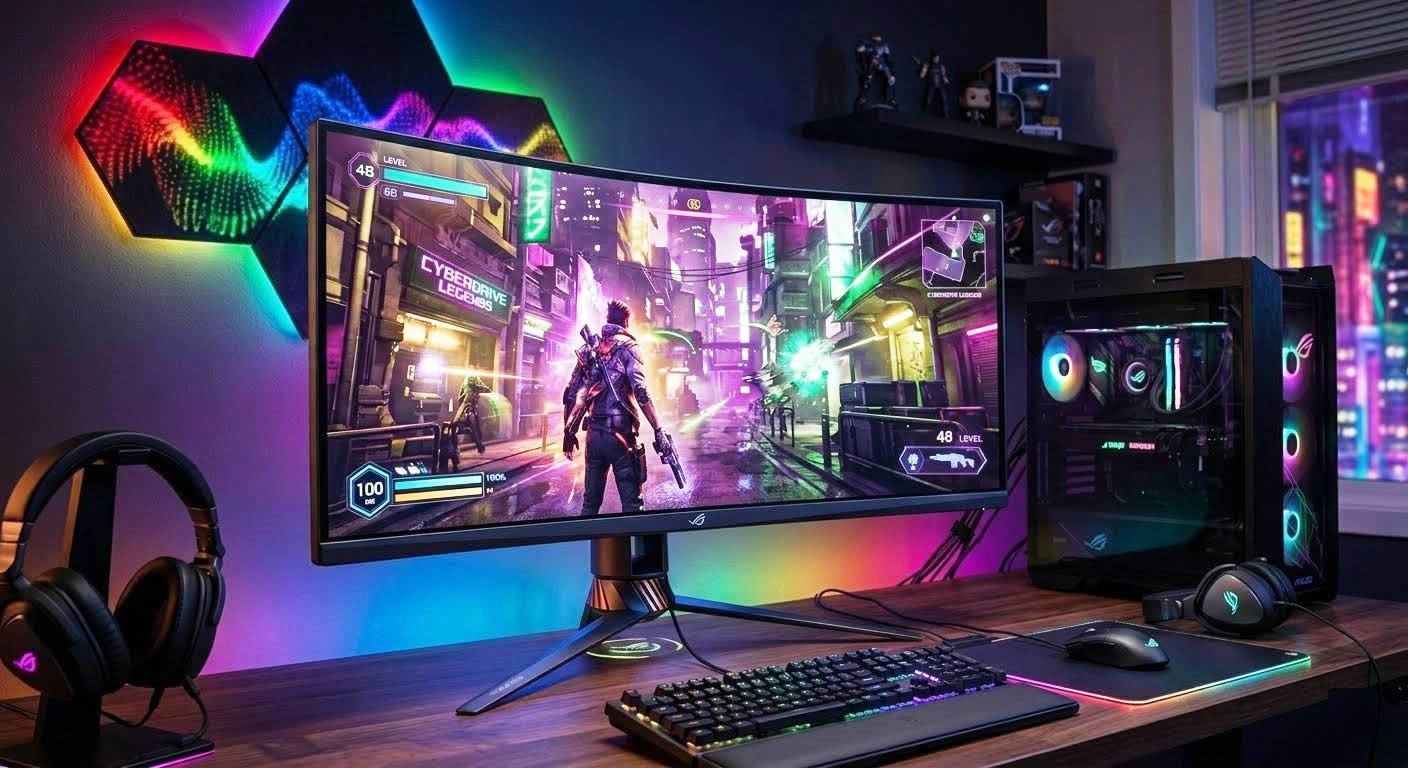
A Gaming Monitor is a computer display specifically engineered to handle fast-moving images and complex graphics without lagging, blurring, or tearing. In fact, these desktop gaming displays prioritize visual speed, fluid motion, and responsiveness that is usually required by modern games.
By Doug-MN.
Review Of 3 Best Computer Gaming Monitors and Displays to Get In 2026:
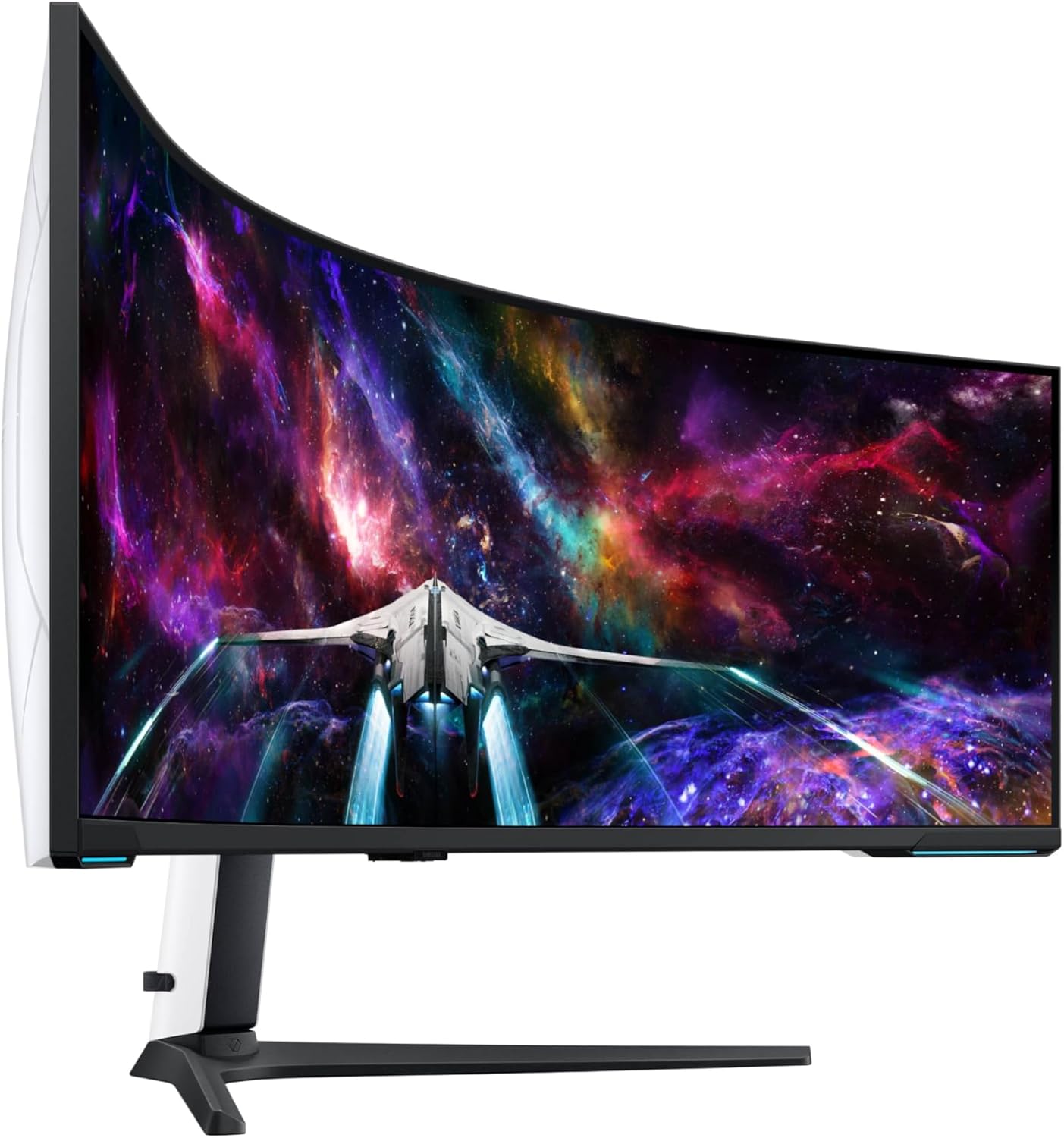
#1-CHOICE: Samsung 57″ Odyssey Neo G9 Dual 4K UHD 1000R Curved Gaming Monitor (Outstanding):
See Price On Amazon
PRODUCT-FEATURES:
- A 240Hz refresh rate reduces lag.
- Dual 4K UHD 1000R Curved Gaming Monitor.
- Power Consumption Rate: 140 Watts @ 240 Volts.
- This monitor is fully compatible with VESA-standard monitor arms.
- Swivel, tilt, and adjust the height of this monitor until you’re set up for victory.
- New Core Lighting plus adds amazing color to your set-up for an instant vibe shift.
- The screen of this gaming-monitor can be moved effortlessly to your ideal position.
- 1ms (GTG) response time and minimized ghosting enables you to game with precision.
- DisplayPort 2.1 support provides the same blazing performance in DUHD with variable refresh rates.
- Display-Resolution (Dual-4K), Maximum-Resolution (7680 x 2160 Pixels), Native-Resolution (7680×2160).
- With CoreSync technology, the game’s on-screen colors are projected into your real world to further immerse you into the setting.
- A 57″ DUHD resolution brings you a display as wide as 2 UHD monitors with incredibly detailed, pin-sharp images and a wide field of view.
- DisplayPort-2.1, HDMI-2.1 and USB-Hub let you hook up to your favorite devices to easily and conveniently elevate your game with no mess.
- AMD FREESYNC PREMIUM PRO ensures seamless hyper-fast action. In fact, complex and fast-moving game scenes are projected smoothly and stutter-free with this technology.
- With PBP(PICTURE-BY-PICTURE) Technology, you can view videos from two sources simultaneously in their native resolution. You can also use PIP to resize the second source up to 25% of the screen.
- Quantum Matrix Technology with Quantum Mini LEDs creates controlled brightness and improved contrast. In fact, the 2,392 local dimming zones combine with the highest 12-bit black levels to create unmatched picture quality.
- The 1,000nit peak brightness and 1,000,000:1 contrast ratio enables enhanced color expression and depth. This implies that you can spot enemies hiding in dark corners hence giving you the competitive edge needed for a win.
- Other great features include: 1000R Curved Screen, AMD FreeSync™ Premium Pro, Auto Source Switch+, Black Equalizer, Eye Care, Flicker-Free, FreeSync, Picture-By-Picture, Quantum Matrix Technology, VESA DisplayHDR 1000.
|
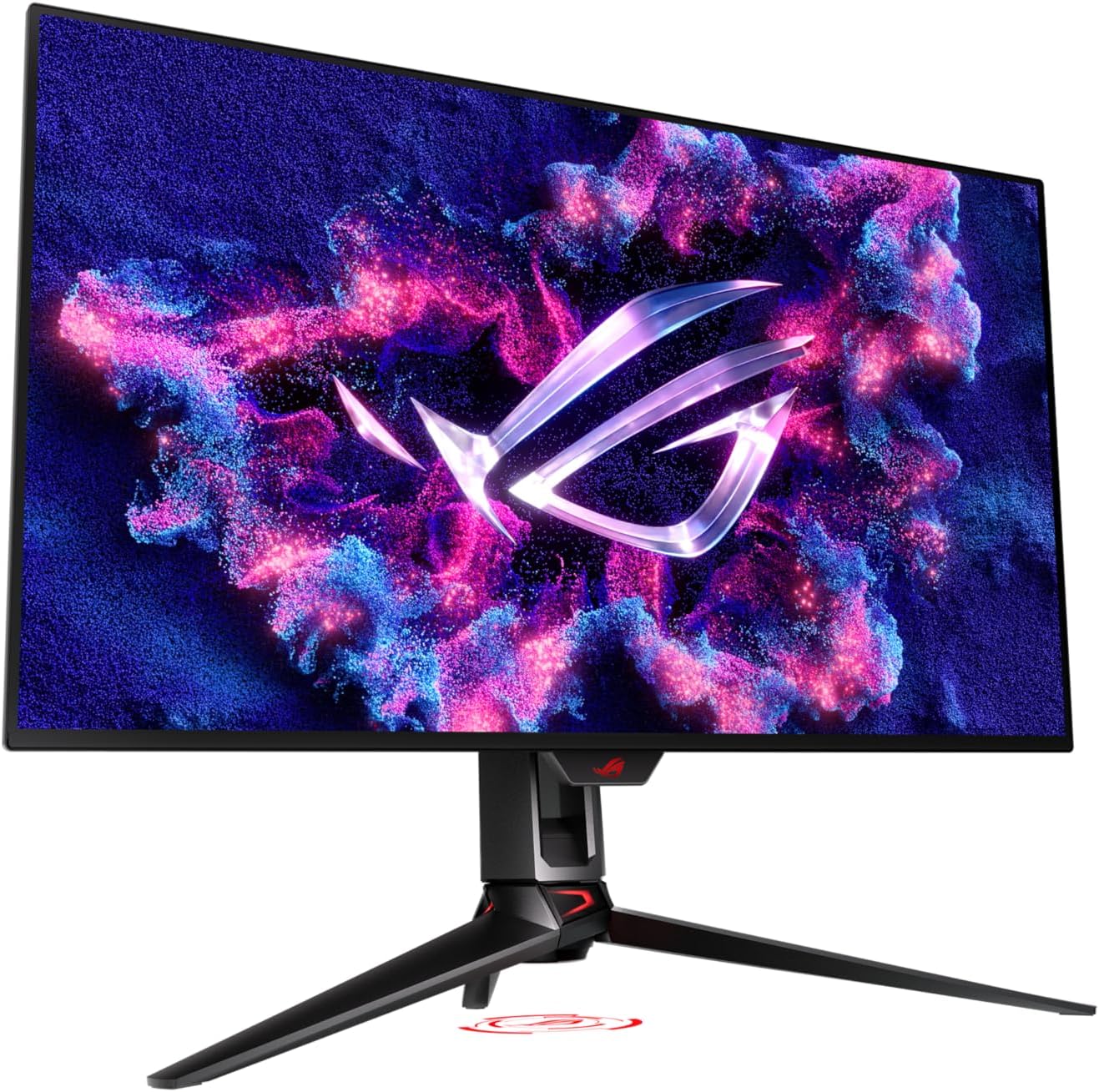
#2-CHOICE: ASUS ROG Swift 4K OLED Gaming Monitor (Excellent):
See Price On Amazon
PRODUCT-FEATURES:
- A 32” 4K (3840 x 2160) QD-OLED gaming monitor.
- The monitor peak brightness may vary due to color pre-calibration.
- The optional uniform brightness setting ensures consistent luminance levels.
- It features a 240 Hz refresh rate and 0.03ms (GTG) response time for an immersive gaming experience.
- DisplayWidget Center allows users to access OLED Care functions and to adjust monitor settings with a mouse.
- VESA DisplayHDR 400 True Black compliance, 99% DCI-P3 gamut, true 10-bit, and Delta E < 2 color difference for astonishing HDR performance.
- Equipped with a highly efficient custom heatsink, advanced airflow design, and graphene film for better heat management hence reducing on the risk of burn-in.
- Aspect-Ratio (16:9), Contrast-Ratio (1500000:1), Viewing-Angle (178 Degrees), Brightness (1000 Candela per Square Meter), Pixel-Pitch (0.18), Color-Gamut (100.0).
- Other Features: 1/4″ Tripod Socket (Yes), DYNAMIC SHADOW BOOST, Flicker-Free, GAMEVISUAL, Hight adjustable (0-80mm), QD-OLED, 240Hz, 0.03ms, Spill resistant, Swivel (+15° ~ -15°), Tilt (+20° ~ -5°), VESA Wall Mounting (100x100mm), DisplayPort cable, HDMI Ultra High Speed Cable, PG32UCDM, Power adapter, Power cord, Quick start guide, ROG pouch, ROG sticker, USB 3.2 cable, USB-C cable.
|
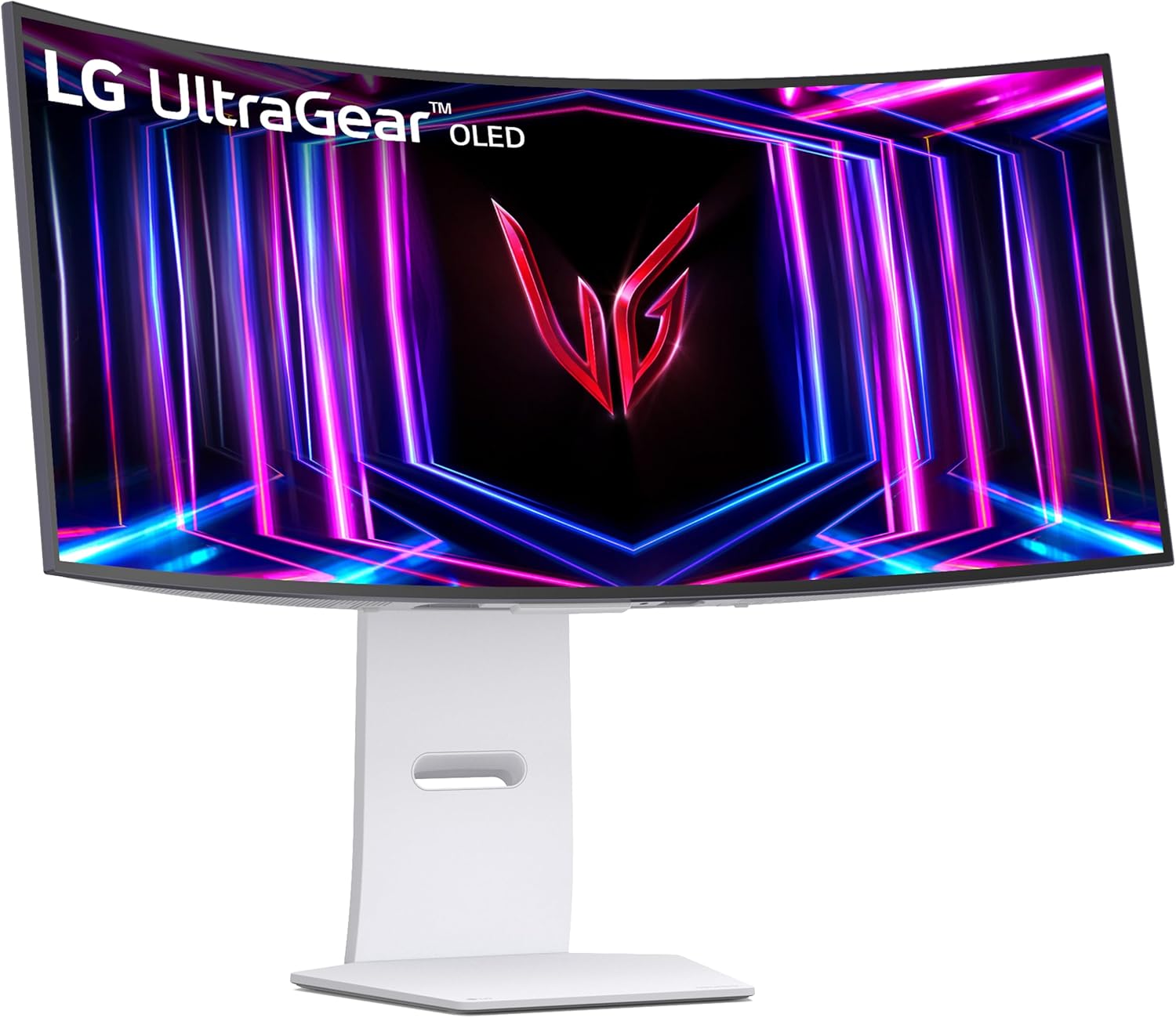
#3-CHOICE: LG 34GS95QE 34-inch Ultragear OLED Curved Gaming Monitor (Good):
See Price On Amazon
PRODUCT-FEATURES:
- A 34″ Ultragear OLED Curved Gaming Monitor.
- DisplayHDR True Black 400 displays rich blacks and vivid color.
- Experience next-level gaming performance with LG UltraGear OLED Display.
- Features a large 34” display, 21:9 aspect ratio and a dramatic curved OLED screen.
- An anti-glare screen minimizes light reflections and lets you concentrate on winning.
- With instantaneous 0.03ms Response Time, you will enjoy smoother scenes with less lag or ghosting.
- AMD FreeSync Premium Pro equips serious gamers with a fluid, virtually tear-free gaming experience.
- The dramatic and steep 800R curve draws you in with game play by extending the periphery to feel like you’re surround by the action.
- The 1.5M:1 Contrast Ratio is perfect for gaming and streaming content with impeccable image detail in dark scenes for a stunning visual experience.
- With at least 120Hz refresh rate at minimum FHD resolution and low latency gameplay, you’ll never miss a frame of the action as you play at peak performance.
- Viewing Angle (178-Degrees), Brightness (275 Candela per Square Meter), Pixel Pitch (0.23), Color Gamut (98.5), and DisplayHDR™ True Black400.
- Ensures smooth gameplay with an ultra-fast 240Hz OLED display. In fact, this faster speed lets you respond quickly to opponents and stay a step ahead of the competition.
- HDMI-2.1 & DisplayPort-1.4 with help you enjoy smoother, vivid colors and high-resolution graphics. In fact, both connections are supported on this display and let you experience up to 240Hz refresh rate.
- Officially validated by NVIDIA as G-SYNC Compatible. That implies faster, smoother gaming that’s been tested to reduce screen tearing and stutter. So, you will never miss a frame of action as you clinch your victories.
- A Gamer-Centric Design: Lose yourself in the game with a virtually borderless, ultra-thin design that optimizes space within your battle-station. You can also easily make height, tilt, and swivel adjustments in-order to see and play exactly to your specs.
|
Pros of Computer Gaming Monitors and Displays:
- Eliminate Motion Blur: These monitors ensure near-instant pixel response times (especially on OLED and Fast-IPS panels) hence preventing ghosting and keeping fast-moving targets perfectly sharp.
- Fluid Gameplay: The high refresh rates of (144Hz to 480Hz+) can display many more frames per second thus making camera pans and fast action feel incredibly smooth.
- Reduced Input Lag: The minimal internal processing delay ensures your mouse movements and button presses register on-screen with zero noticeable lag.
- Tear-Free Visuals: The variable Refresh Rate (VRR) technology like; AMD FreeSync and NVIDIA G-Sync help to synchronize the monitor to your graphics card to eliminate horizontal screen tearing.
- Vibrant HDR & Contrast: Premium gaming monitor models feature Mini-LED or OLED panels with localized dimming which create incredibly deep blacks and brilliant highlights.
- Competitive Edge Over Opponents: The fast refresh speeds and low latency let you see and react to opponents in split-seconds which is faster than players on standard 60Hz displays.
Cons of Computer Gaming Monitors and Displays:
- High Pricing: Gaming-displays with high-end features like OLED panels, Mini-LED backlighting, and extreme refresh rates (240Hz+) will be more expensive compared to standard displays.
- OLED Burn-In Risk: Gaming monitors with OLED-displays have organic panels that run the risk of permanent image retention if static elements—like game HUDs, desktop taskbars, or web browser borders—are left on screen for too long.
- Poor Office Text Clarity: Most high-end gaming monitors use subpixel layouts (like QD-OLED’s triangular structure) that cause color fringing hence making text look slightly blurry during reading or office work.
- Limited Viewing Angles on Budget Models: Most affordable gaming monitors often use TN or VA panels to achieve fast speeds, which suffer from washed-out colors when viewed from the side.
- Dim Full-Screen Brightness: In-order to prevent overheating and damage, many OLED gaming monitors use aggressive Automatic Brightness Limiters (ABL), which automatically dim the screen when large, bright white windows are opened.
- Diminishing Returns: Upgrading a gaming-monitor to extreme refresh rates (like jumping from 240Hz to 480Hz) requires incredibly expensive PC hardware to actually hit those frame rates, yet it offers barely noticeable visual differences to the human eye.
CONCLUSION:
All the featured Best Computer Gaming Monitors and Displays are equipped with specialized displays that are engineered to handle fast-paced action, deliver fluid motion, and minimize the delay between your control inputs and what appears on the screen.
RELATED POSTS:
> Best Gaming Laptops.
> Best Gaming Headsets.
> Best PC Video Gaming Chairs.
> Best Controllers for PC Gaming.